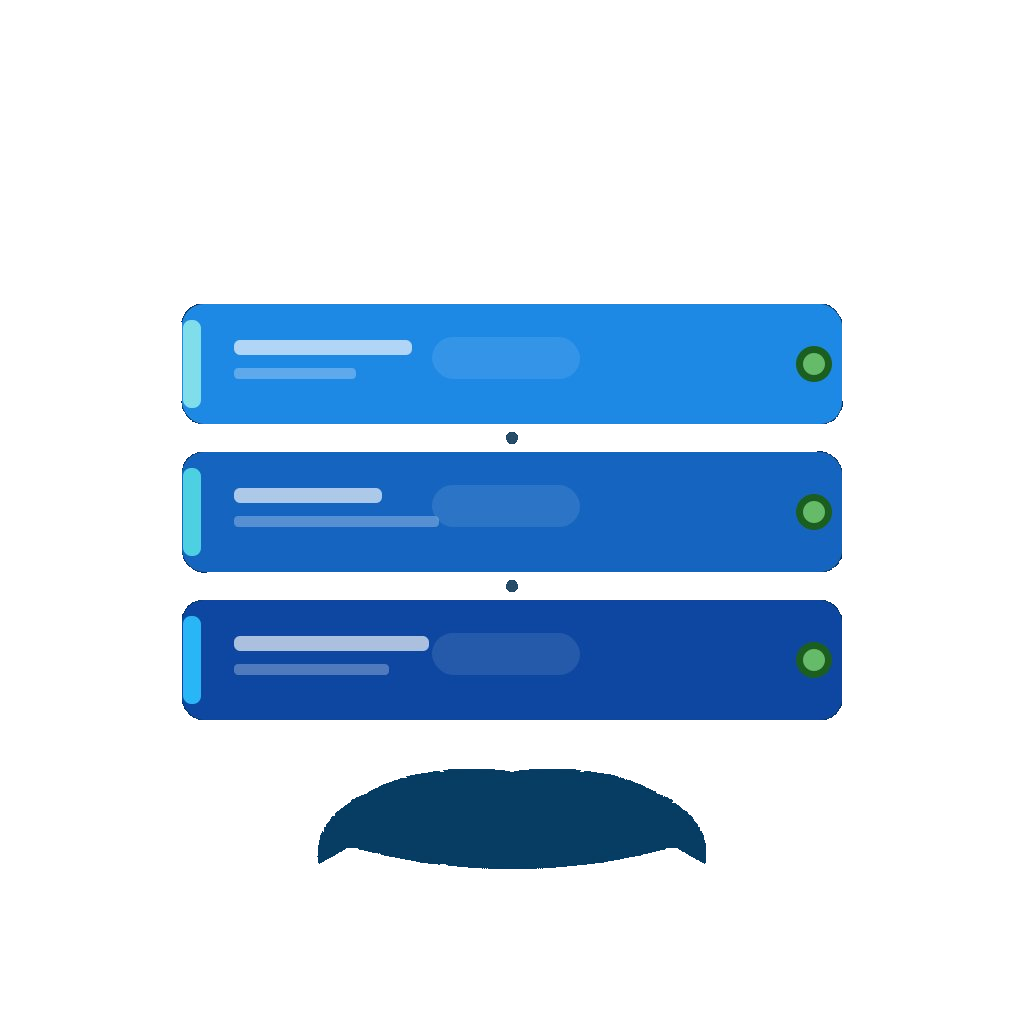
Per-server themes, update indicator & docker-run converter
- Themes per server: five harmonised colour palettes (Classic Blue, Sunset, Forest, Ocean, Monochrome) selectable per Dockge instance
- Update indicator in the stack list: on Dockge-Enhanced an orange pill marks every stack with a pending image update
- Server switching right from the stack overview via a menu in the navigation title
- docker run → compose converter: paste a »docker run« command when creating a stack to translate it locally into a compose.yaml
- Multiple Dockge instances per SSH host: one SSH access shared between a publicly exposed and a local-only Dockge instance running on the same machine
- ISO-8601 timestamps in container logs (Dockge-Enhanced)
- Fixed: tapping a stack reliably opens the detail view again after a server switch or longer time in the background
- Fixed: sheet reset on server switch consistently clears all bindings
- Fixed: update pill disappears the moment you trigger the update and only comes back when the watcher actually finds a new image